

One-tap alert
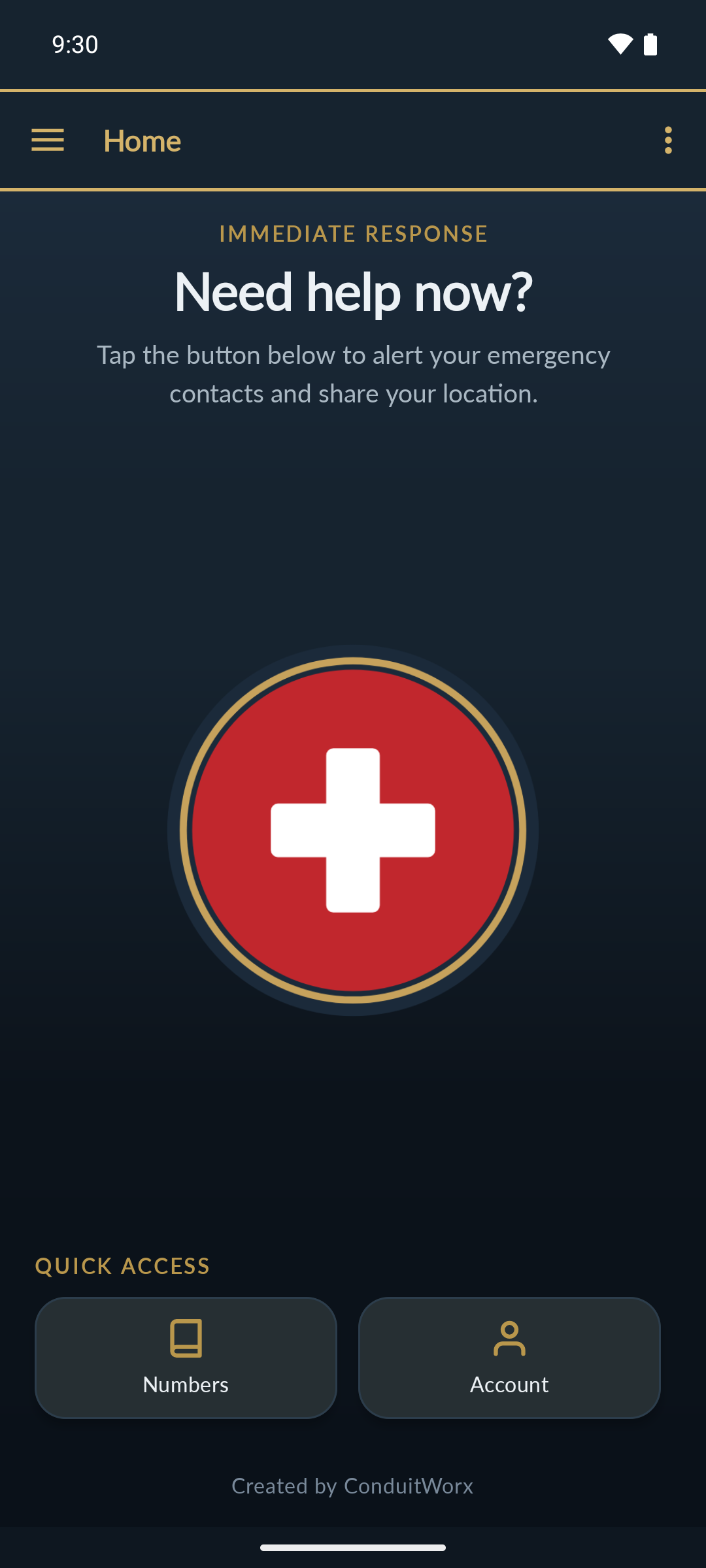
A single button raises an alert with your GPS position attached, so responders know exactly where to go.
LifeBeacon sends your location and medical details to emergency responders the moment you need them — so you don't have to explain anything when you least can.
Installing
Tap the button above. Your browser saves the app to your Downloads.
Android asks whether to allow installs from your browser. Tap Allow, then Install. This prompt is normal for apps outside the Play Store.
Open LifeBeacon, sign in with the account your organisation gave you, and allow location access so responders can find you.
What it does
A single button raises an alert with your GPS position attached, so responders know exactly where to go.
Conditions, allergies, medical aid and next of kin travel with the alert — critical context before help arrives.
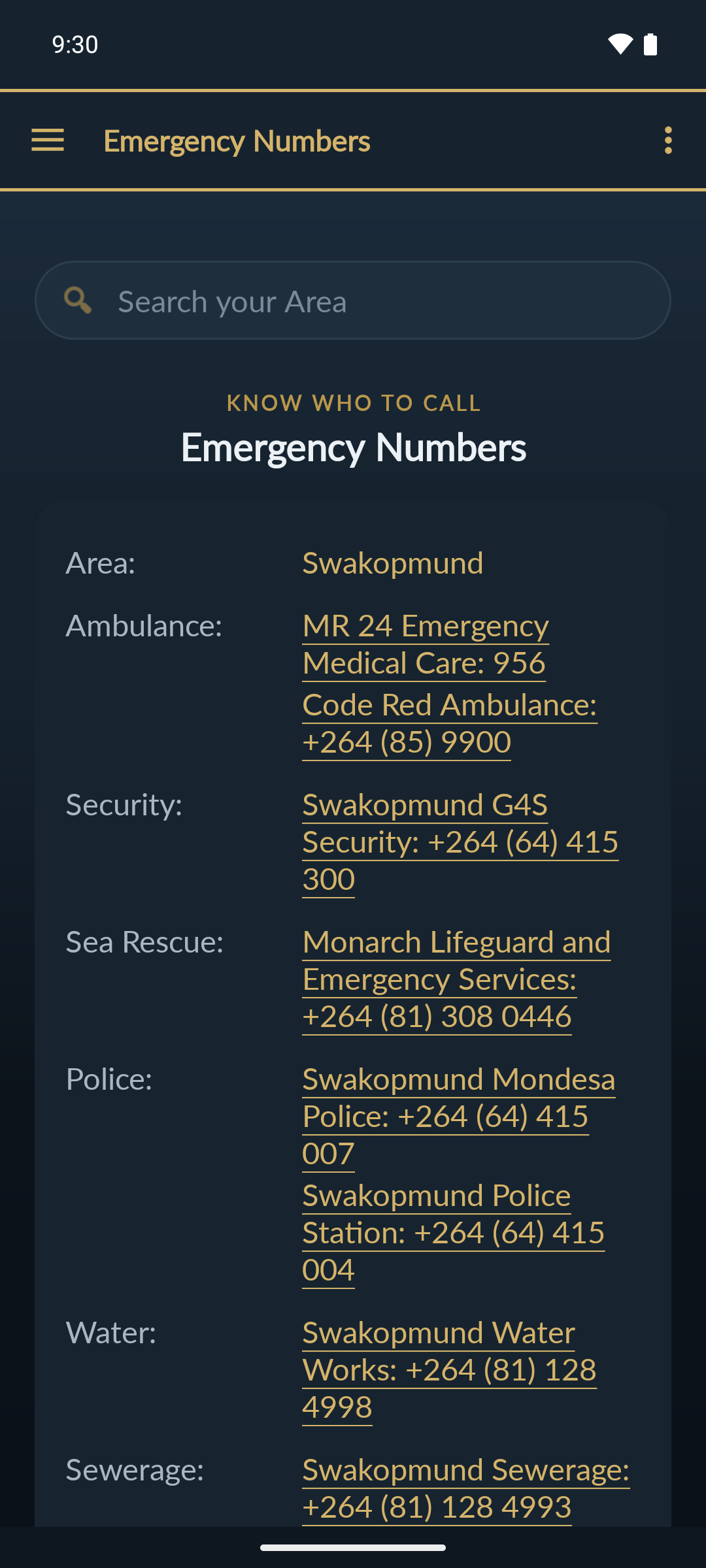
Ambulance, police, security and sea rescue for your area, one tap to dial, kept on your device.
Location is read only when you raise an alert. No background tracking, no advertising, no data sold.
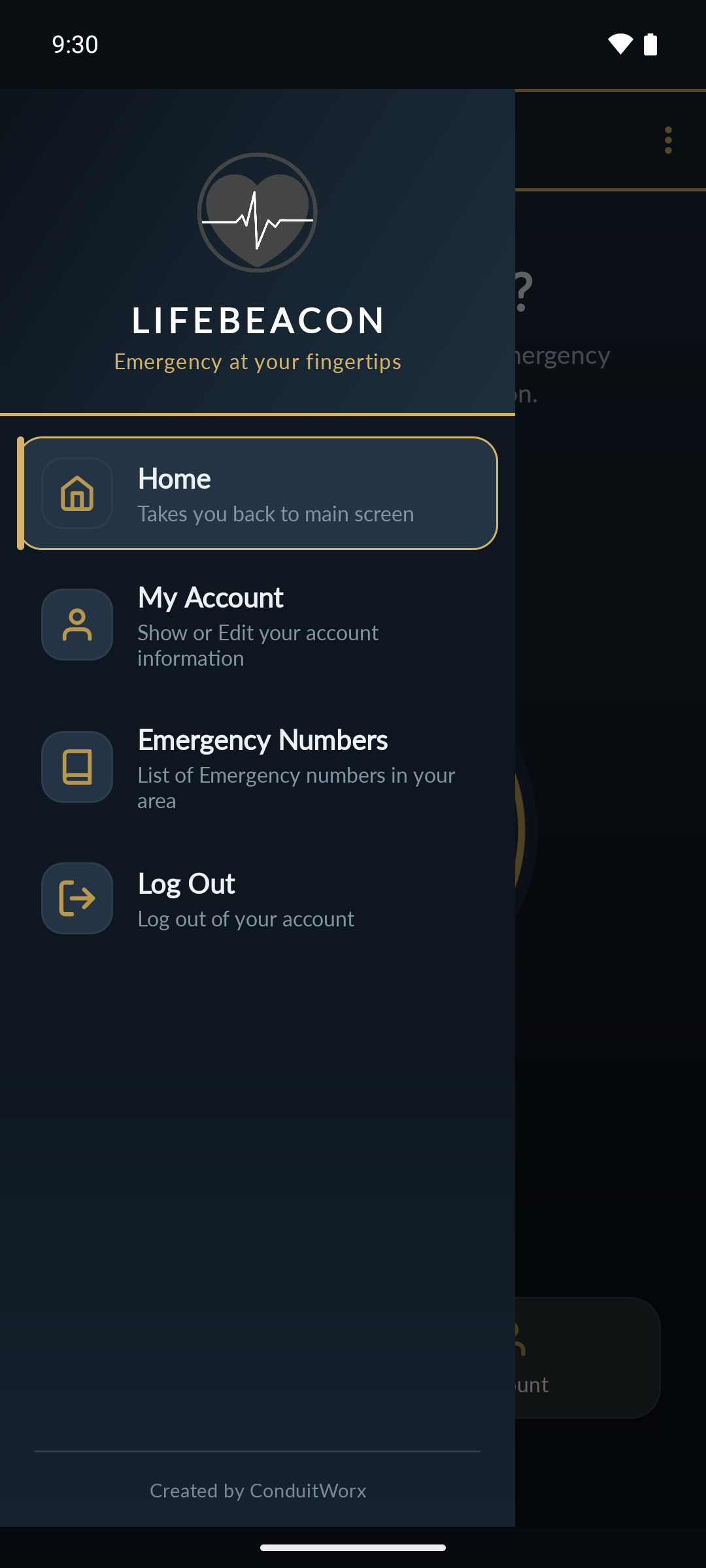
A look inside
Ready when you are
Install LifeBeacon on the phone you actually carry, sign in once, and it stays out of your way until the moment you need it.
Signed by ConduitWorx · Privacy policy · info@conduitworx.co.za
ConduitWorx · Discount voucher
30%
OFF your first project
Valid until 31 December 2026 · conduitworx.co.za